Make every agreement real.
Casual or formal. Capture it in text, voice or video, or generate a signable PDF. Sign it, share it, and keep a sealed record of who agreed to what.
Live in any browser. Free while in early access.
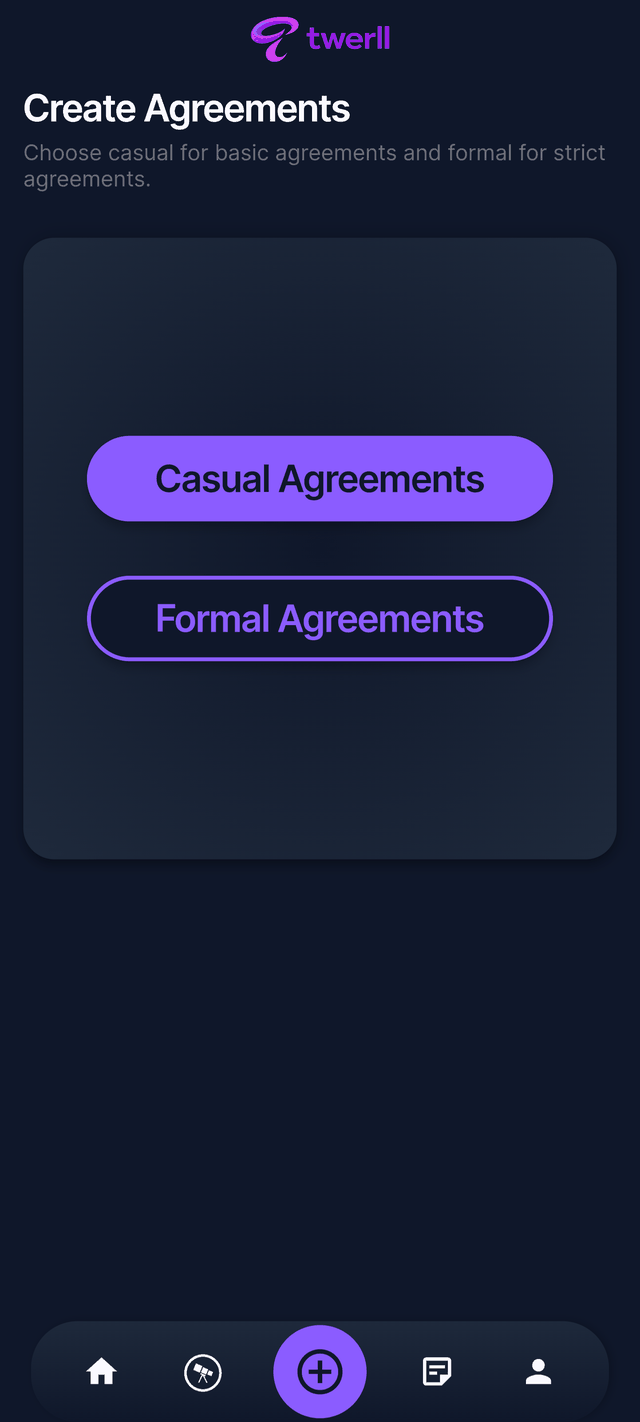
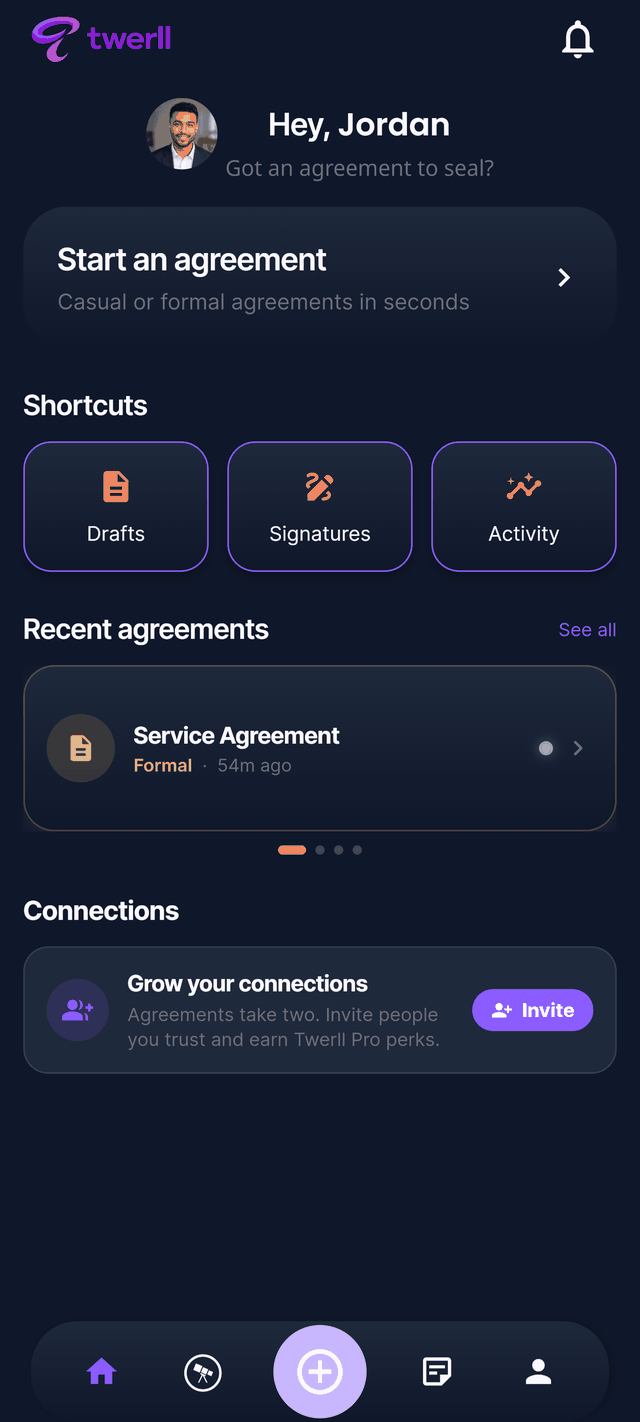
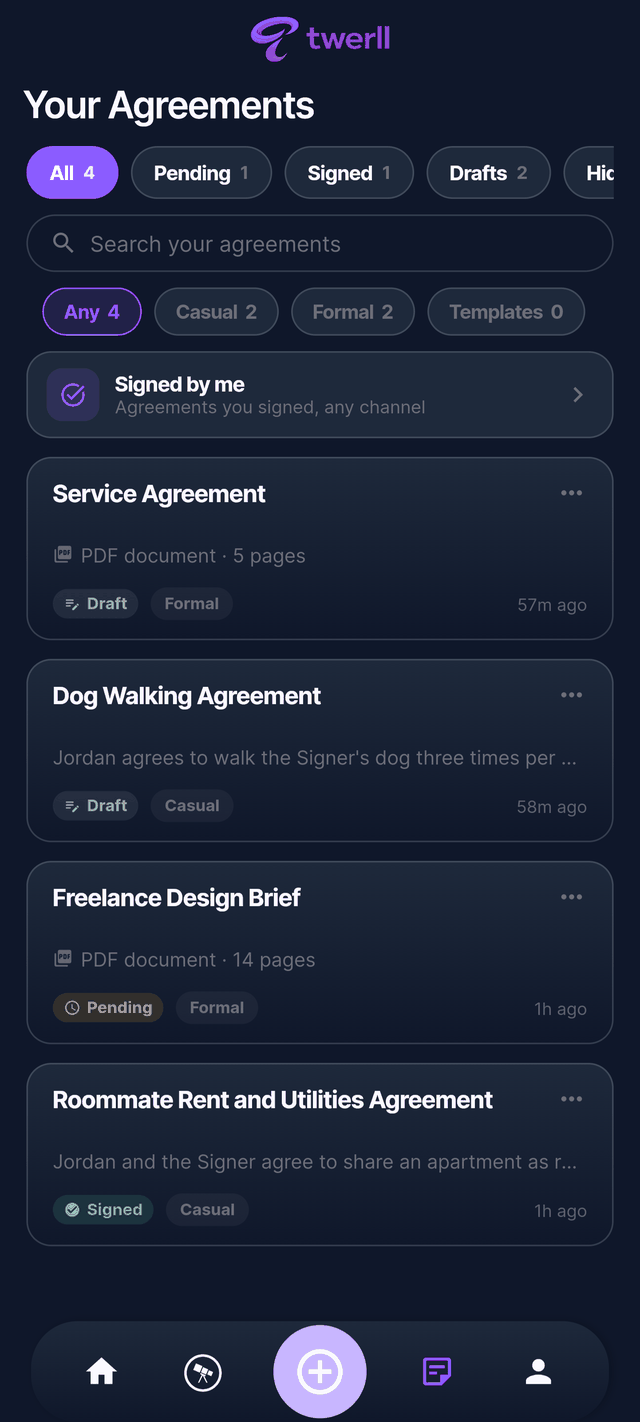
Two ways to agree. One place.
A casual handshake or a formal contract. Twerll holds both, and the difference is just a tap.
Casual
Quick, human, done in seconds
Capture a promise as text, a voice note, or a video. Both sides agree with a tap, and it lands in your records with a timestamp.
- Text, voice note, or video
- Both sides tap to agree
- Chats and shared rooms
Formal
A real, signable PDF
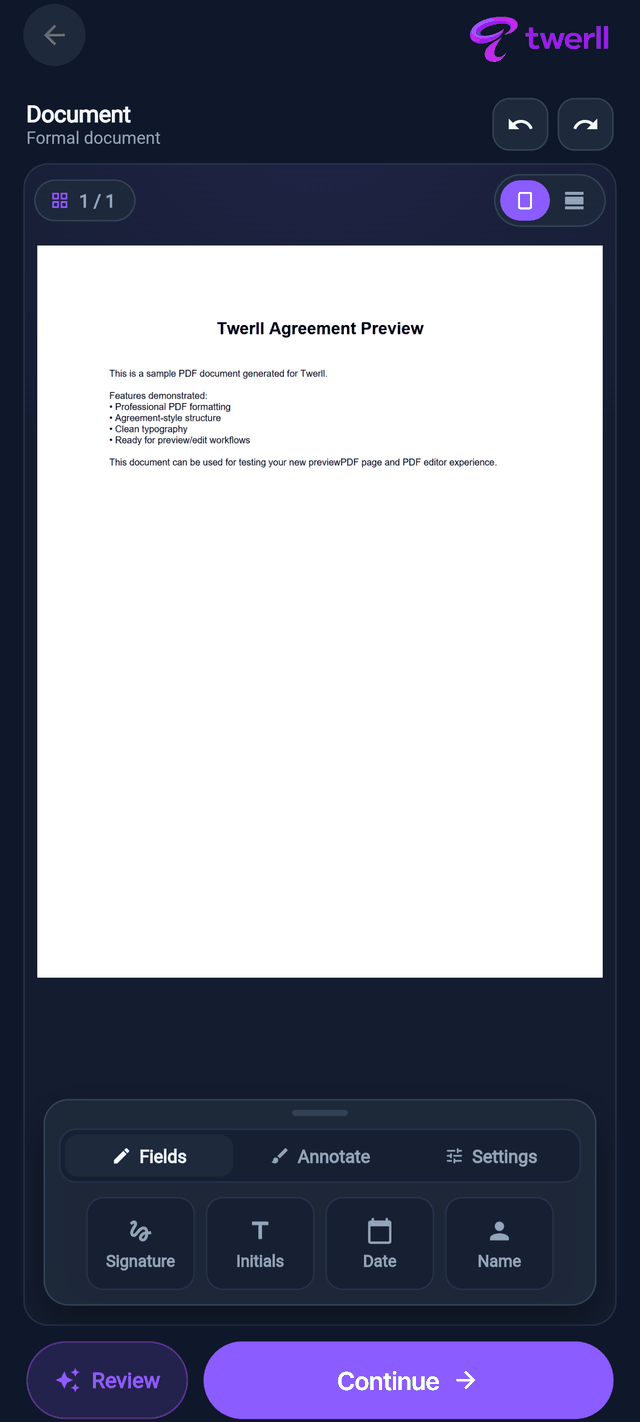
Generate a proper document, sign it by drawing or typing, and lean on an assistant that flags risks and explains clauses in plain language.
- Signable PDF with a certificate
- Draw or type your signature
- AI review before you sign
The signing assistant
Never sign something you don't understand.
Ask the document a question in plain English. Twerll reads it with you, flags what's risky, and explains what you're actually agreeing to.
Twerll is not a law firm and its AI features are not legal advice. Always review output yourself before you sign. How AI features work.
What you can do
One app. Every kind of agreement.
Capture it any way
Text, a voice note, or a video. Both sides tap agree, and it's recorded and timestamped.
Sign it properly
Draw or type your signature on a real PDF. Each signing is recorded with its verification method.
Paper to PDF
Point your camera at a document. Twerll finds the edges, cleans the page, and hands you a signable PDF.
Send it in a tap
Share by link, QR code, or email. Guests can sign without an account, and you choose who gets access.
Rooms and chats
Talk it through where the agreement lives. Shared rooms keep the conversation and the record together.
The Evidence Vault
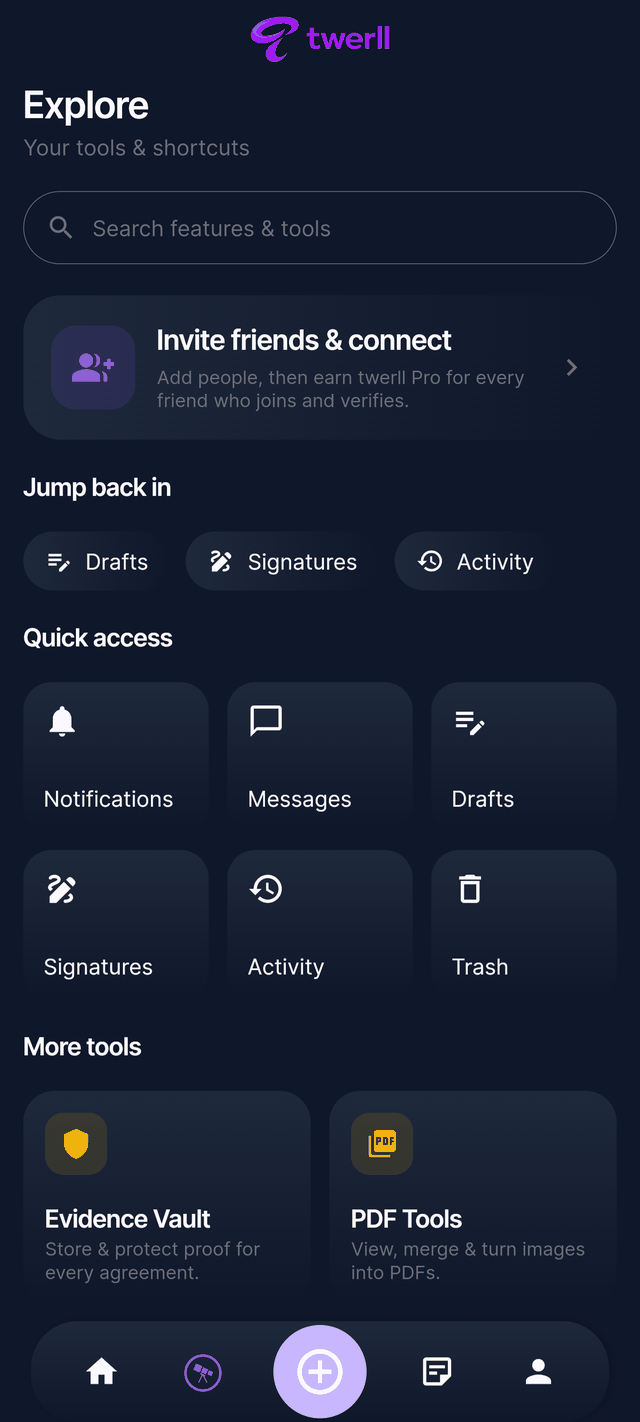
Files are stored sealed, with a chain-of-custody ledger and a certificate you can share read-only.
From a quick promise to a signed record.
Create
Capture it casually as text, voice or video, or generate a formal PDF.
Agree
Both sides confirm. The assistant explains anything that isn't clear.
Sign
Draw or type your signature. The signing method and time are recorded.
Keep the record
Everyone gets a certificate, and the sealed file stays in the Evidence Vault.
Inside the app
A real look at Twerll.
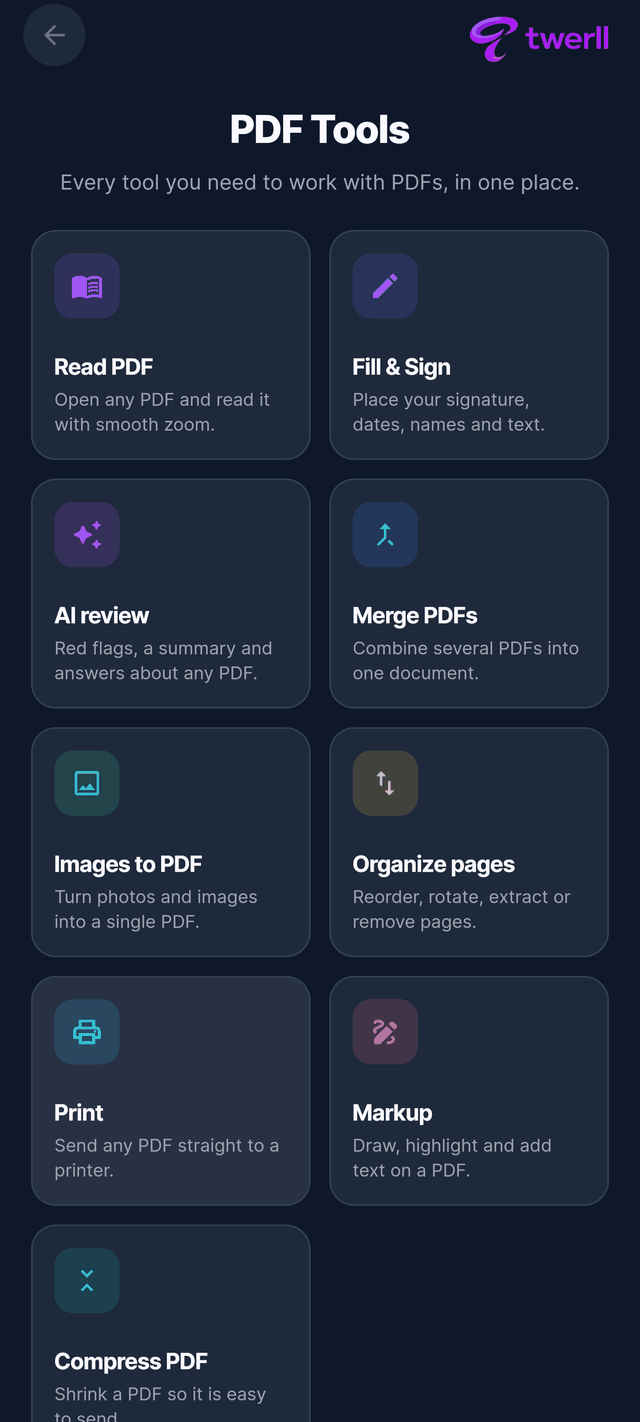
No mockups. Tap through real screens from the app.
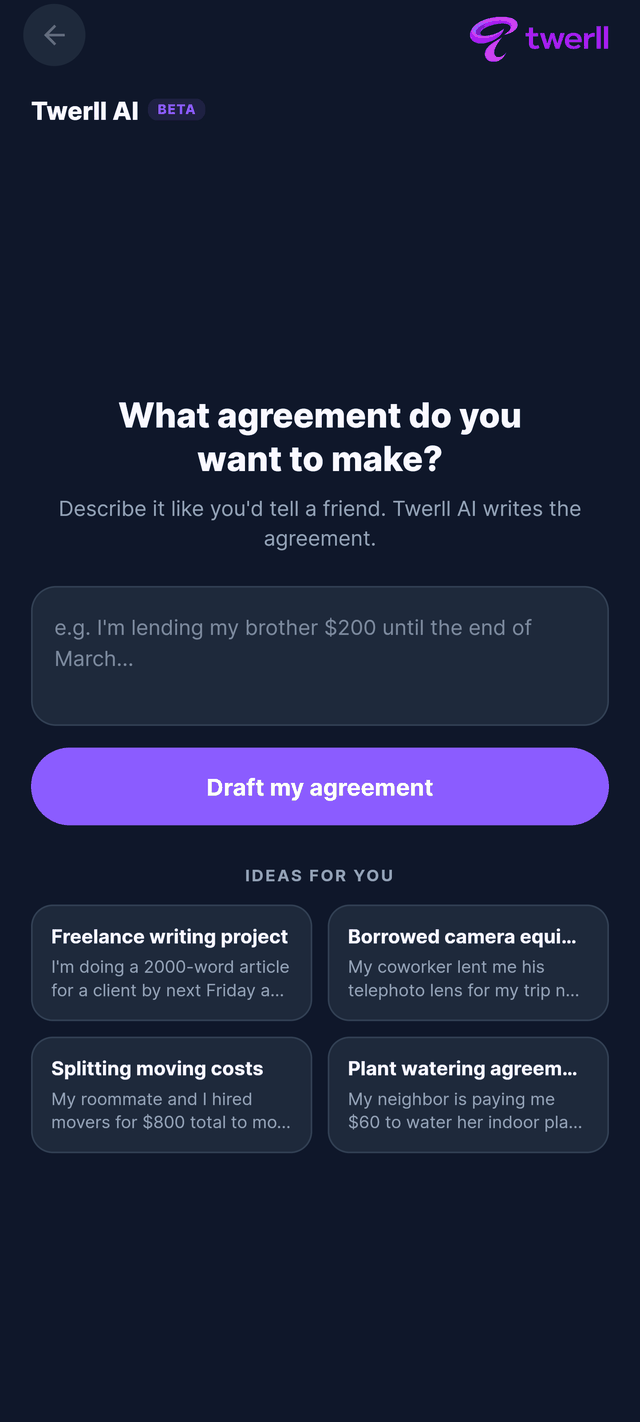
The record
Every agreement leaves a trail.
When a document completes, Twerll issues a certificate: who signed, when, and how they were verified. Share it read-only, or keep it.
Illustrative example. Real certificates are generated by the app.
- Sealed storage, tamper-evident ledgerThe Evidence Vault stores files in sealed form with integrity hashes and a chain-of-custody ledger, so you can show a file hasn't changed since it was sealed.
- Encrypted in transit and at restTraffic is encrypted in transit and files sit in encrypted cloud storage on Google Cloud, behind access rules that restrict who can read what.
- You always see how a signer was verifiedA signer is verified by a unique link or QR code, a one-time email code, or a Twerll account. The certificate shows which. Twerll doesn't check government ID.
- Never sold, never used for adsWe don't sell your personal information, and we don't use your documents, evidence, or messages for advertising. AI features run on Anthropic's Claude models under terms that forbid training on your content.
Twerll Pro, coming soon
More room to work.
Pro will add longer voice notes and video, more daily AI drafts, a bigger Evidence Vault, and the full PDF toolkit: merge, markup, convert, organize. Pricing isn't set yet.
While Twerll is in early access, everything we offer is free and we don't collect payments.
Common questions
The questions people ask before they sign.
What is Twerll?
Twerll is an app for making agreements real, whether they are casual or formal. A casual agreement is captured as text, a voice note, or a video, and both sides agree with a tap. A formal agreement is generated as a signable PDF, signed by drawing or typing, and shared by link, QR code, or email, so guests can sign without an account. Either way the result lands in your records: the Evidence Vault stores files in sealed form with integrity hashes and a chain-of-custody ledger, and a read-only certificate shows who signed, when, and how they were verified. An AI assistant, running on Anthropic's Claude models, can draft an agreement from a plain-English description and explain clauses before you sign; it is not legal advice. Twerll runs in your browser at app.twerll.com, is free while in early access, and is made in Canada. Twerll is not a law firm and is not a party to your agreements.
Is Twerll legally binding?
Twerll is a tool, not a party to your agreement, so the real question is whether the agreement you make is enforceable, not whether Twerll is. Twerll's Terms of Service say that you intend electronic signatures made through Twerll to be as valid, binding, and enforceable as handwritten ones, to the extent permitted by applicable law, including Canadian federal and provincial e-commerce legislation, the U.S. ESIGN Act and UETA, and the EU eIDAS Regulation where they apply. Some document types cannot be signed electronically in some places, for example wills, certain family law documents, certain property transfers, court documents, and documents needing notarization, and you are solely responsible for confirming that electronic signature is legally permitted for your document in your jurisdiction. Twerll is not a law firm, does not provide legal advice, and is not responsible for the content, quality, legality, performance, or enforceability of any agreement created or signed through the service. For anything important, consult a licensed lawyer in your jurisdiction.
Do I need an account to sign?
No. Guests can sign without a Twerll account. Signature requests can be sent by link, QR code, or email, and using a guest link is acceptance of Twerll's Terms of Service for that session. You still need a device with a current web browser or the Twerll app, an internet connection, a working email address you can access, and the ability to view PDF documents and download or store files if you want to keep copies. Twerll is for adults, whether you sign in as a guest or with an account: at least 18, or the age of majority where you live, whichever is higher.
How are agreements verified?
Two separate things are verified: who signed, and whether the file has changed. Depending on how a document is sent, a signer may be verified by possession of a unique signing link or QR code, by a one-time code sent to an email address, or by an authenticated Twerll account. Twerll does not verify government ID and does not guarantee a signer is who they claim to be; the signing record shows which method was used. When you sign, Twerll records details of the signing process, which may include your name or username, email address, IP address, device and browser information, timestamps, and the verification method, and these details may appear in the document's certificate and audit records, which are shared with the other parties. Separately, the Evidence Vault stores files in sealed form and keeps a chain-of-custody ledger; certificates are technical records generated from that data, designed to help demonstrate integrity, meaning that a file has not changed since it was sealed. Twerll does not guarantee that any court, tribunal, arbitrator, or authority will accept, admit, or give particular weight to sealed files, ledgers, or certificates, because rules of evidence vary by jurisdiction and case.
Is my data used for ads?
No. Twerll's Privacy Policy states that Twerll does not sell your personal information and does not use the content of your documents, evidence, or messages for advertising, and that there are no third-party advertising cookies. Twerll does collect usage and crash data through Google Firebase for analytics and debugging, and uses cookies or local storage on the web where needed for sign-in and preferences. When you use an AI feature, the content that feature needs is sent to third-party AI model providers, currently Anthropic's Claude models, and Twerll's agreements with those providers do not permit them to use your content to train their models. This marketing site, twerll.com, is separate: it has no forms, no analytics, and sets no cookies at all.
Try it. Make it real.
Twerll runs in your browser right now. Seal your first agreement in under a minute, with nothing to install.
Any modern browser. Free while in early access.